

Step 1 of 2
What happens after you continue
Apply in minutes. Get funded instantly.
Before you start
Have these ready:
- Your mobile phone. We text you a code to start, and on a computer you use your phone to photograph your ID.
- The online banking sign-in for your business bank account.
- Your driver’s licence or provincial ID card. A health card is not accepted.
How we use your information. When you continue, the application collects information about you and your business to assess and fund your application, verify your identity and bank account, prevent fraud and service your account. It is collected through the application form, a read-only bank connection, an identity check and, with your separate consent, credit bureaus. Our service providers (application platform, bank-verification, identity-verification and credit-bureau companies) may process it outside Québec, including in the United States. You can ask to see or correct your information, or withdraw your consent, by writing to our Privacy Officer at privacy@instant.credit. Privacy Policy
Prefer to talk first? Speak to a loan advisor
Loading application…
Enter your mobile number and the code we text you, then choose the amount you want and how often you pay. Next, sign your agreement online, connect your business bank account and take photos of your ID.
-
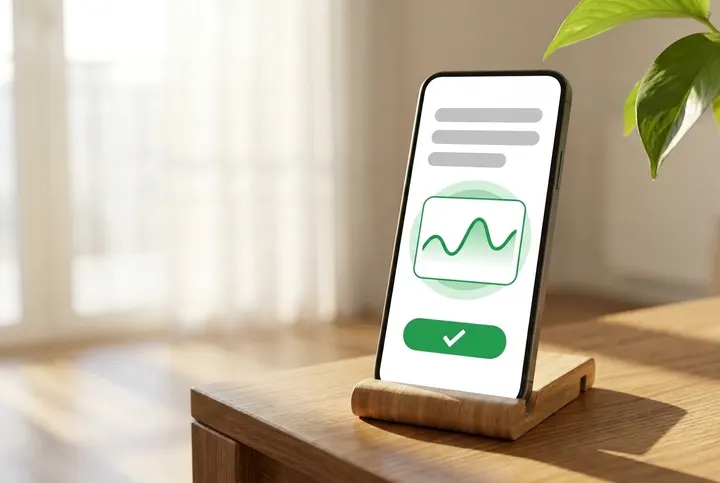
1. Sign your agreement
-
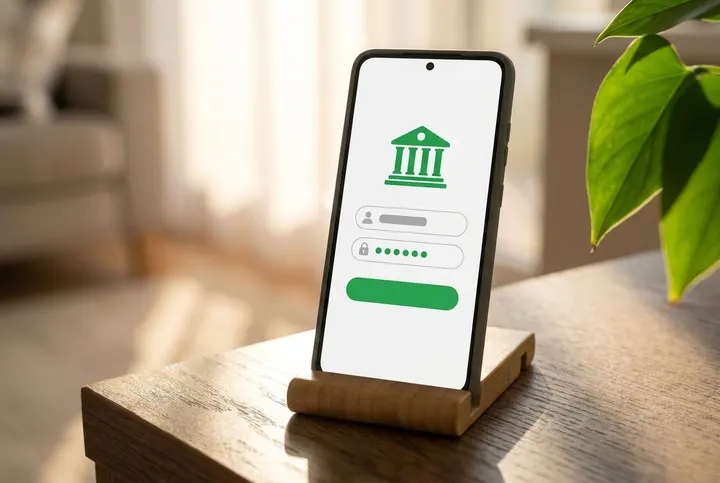
2. Connect your bank account
-
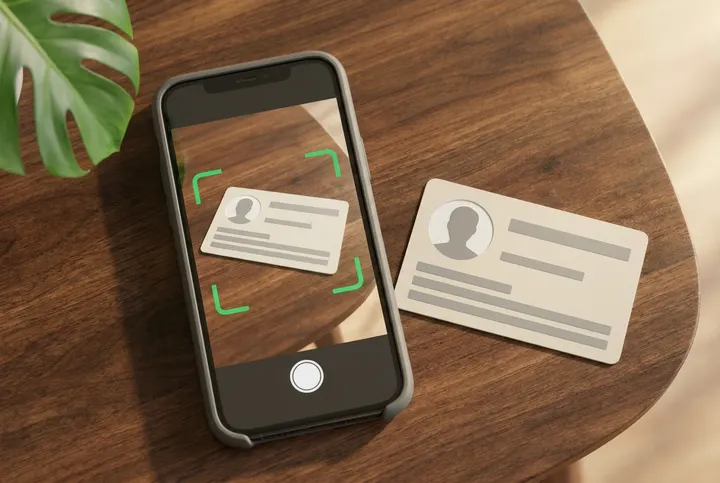
3. Verify your identity
-
4. Get funded instantly (see the note under the pictures)
We check every application. Step 4 happens only if you are approved.
* Instant funding where offered, on approved applications only.
-
1. Sign your agreement
-
2. Connect your bank account
-
3. Verify your identity
-
4. Get funded instantly
See each step in pictures
These pictures are examples. Your screen may look different. We check every application. Not everyone is approved.
1. Sign your agreement 4 pictures
-
1. Your agreement opens
When it is time to sign, your agreement opens on the page. It can take a moment to prepare. Wait for it.
-
2. Read before you sign
Look for how much you get, what it costs, how much you pay back and how often you pay. You can still say no.
-
3. Sign where it asks
Sign in every place the agreement asks you to. Then tap the button to finish.
-
4. Signed? Stay on the page
After you sign, wait. Keep the page open. Do not sign again. Signing does not mean your application is approved.
2. Connect your bank account 9 pictures
-
1. Have your sign-in ready
You need your online banking username or card number, and your password, for your business bank account.
-
2. Open the secure window
Tap Open secure window. A separate secure window opens (on a phone, a new tab). Inside it, a bank-checking company we use connects you to your bank. You sign in to your bank there.
-
3. Read, then agree
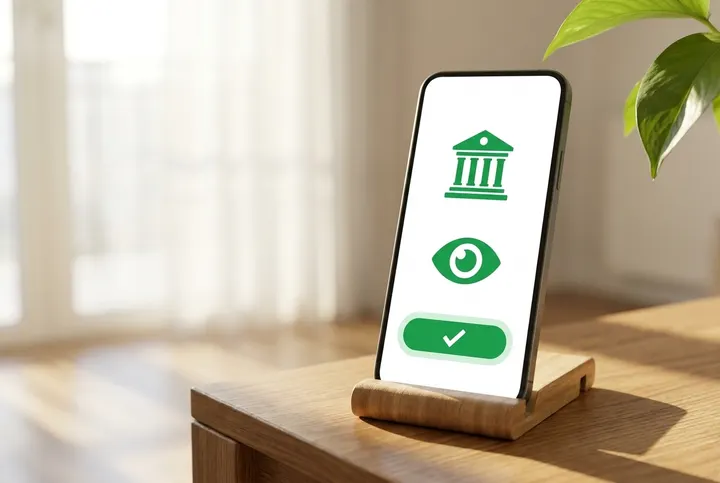
Read what you are asked to share. If you agree, tap the button. We can then see your name, your account details and your past transactions. This connection cannot move money. If you do not agree, stop and contact us.
-
4. Pick your bank
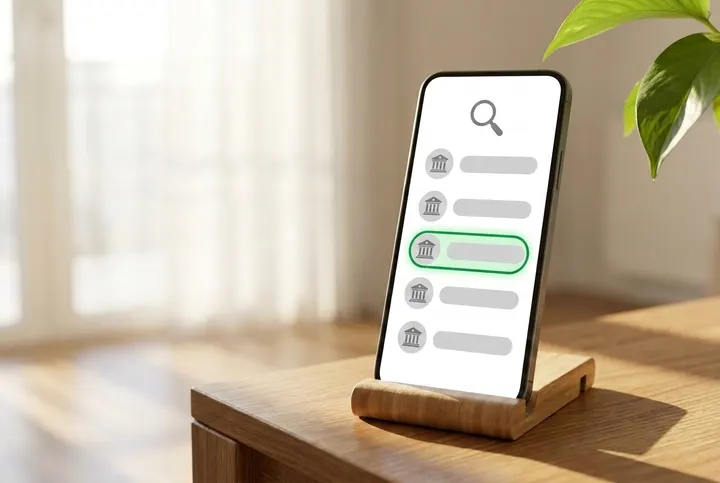
From the list, choose the bank your business uses.
-
5. Sign in yourself
Type your username or card number and your password yourself, on that secure screen. We will never ask for your password by phone, email or text.
-
6. Your bank may ask for a code
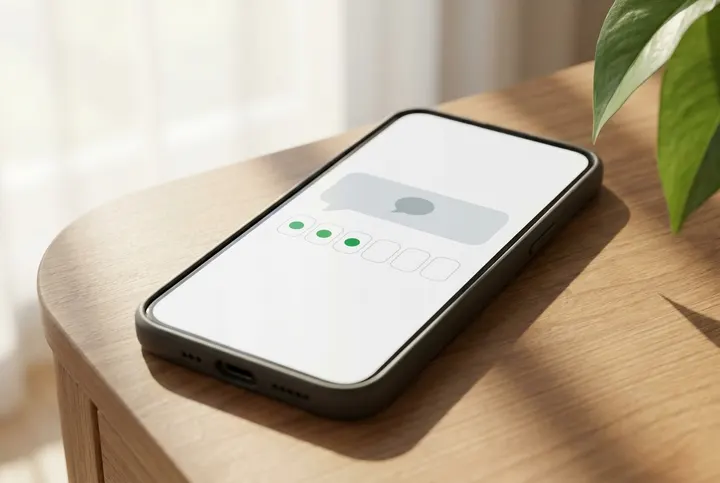
Your bank may send you a code or ask you a question. Type the code or the answer. Not every bank does this.
-
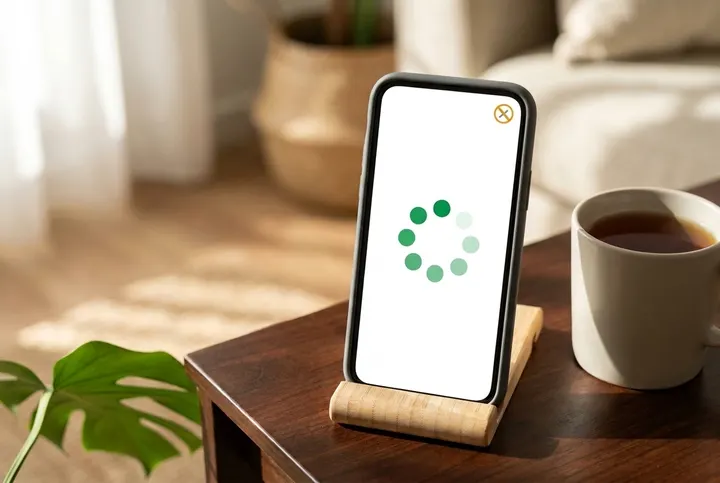
7. Wait. Do not close it
While it loads, wait. Do not close the bank window or this page.
-
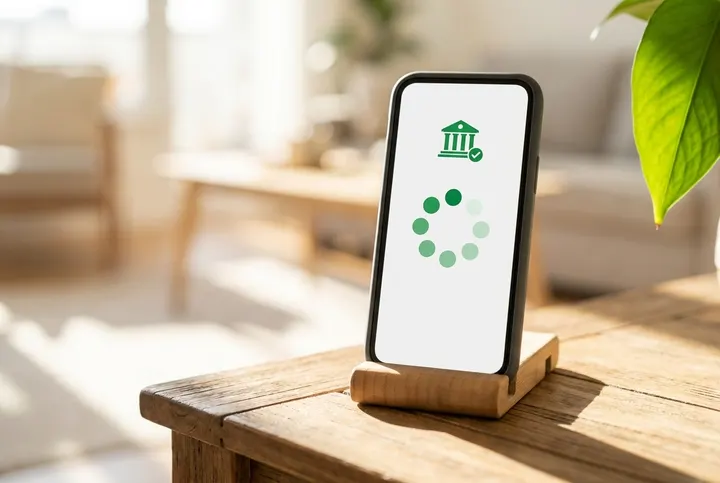
8. Bank window closed? Stay
When the bank window closes, stay on the page and wait. The page tells you what comes next.
-

9. Rather not connect?
Do not want to connect your bank? Stop here and contact us. We will tell you if bank statements can work instead.
3. Verify your identity 10 pictures
-

1. Get your ID card
Get your driver’s licence or provincial ID card. Use the real card, not a copy or a picture of it. A health card is not accepted.
-

2. Lay it flat
Put the card on an empty table in a bright place.
-

3. Start the camera
On your phone, tap Take photos of my ID, then Start, then Take photo. On a computer, scan the code first (picture 8).
-
4. Photo of the front
Hold your phone level above the card. Fit all four corners in, then take the photo.
-
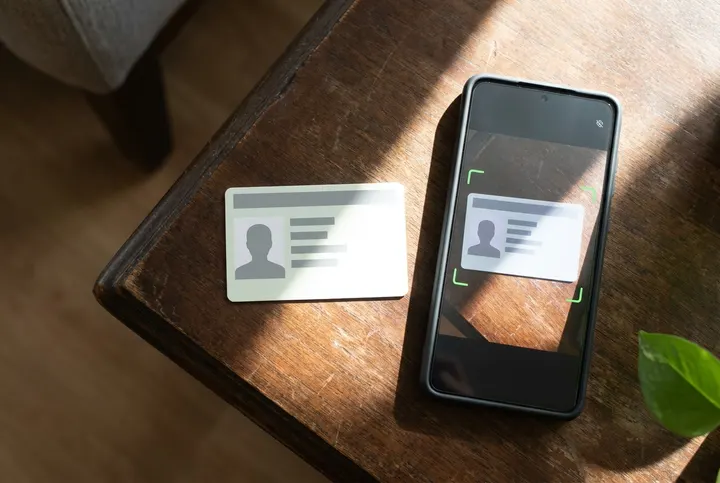
5. No shine on the card
If light shines off the card, move the card out of the light. Then take the photo again.
-
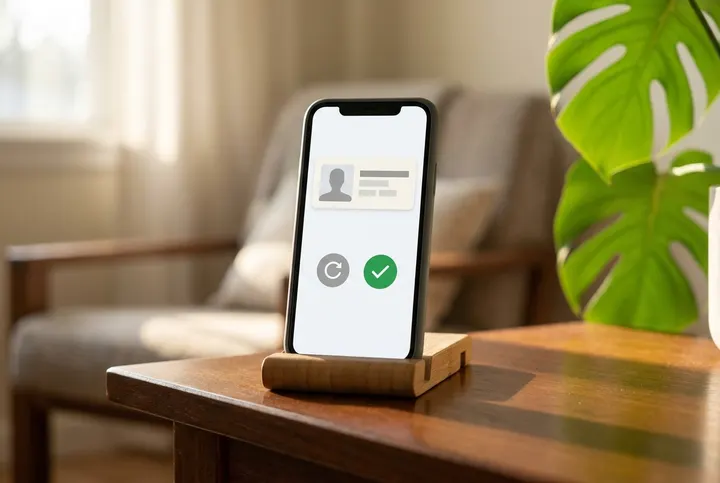
6. Check your photo
Look at your photo. Can you read every word on the card? If yes, tap Use this photo. If not, tap Retake.
-
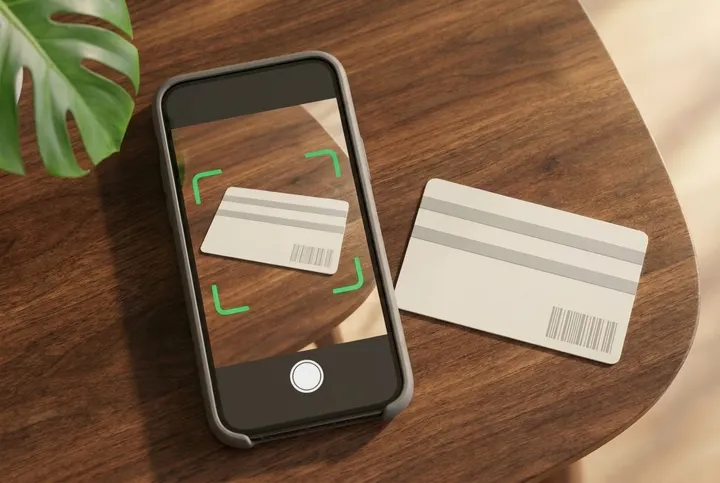
7. Now the back
Flip the card over. Take a photo of the back the same way.
-
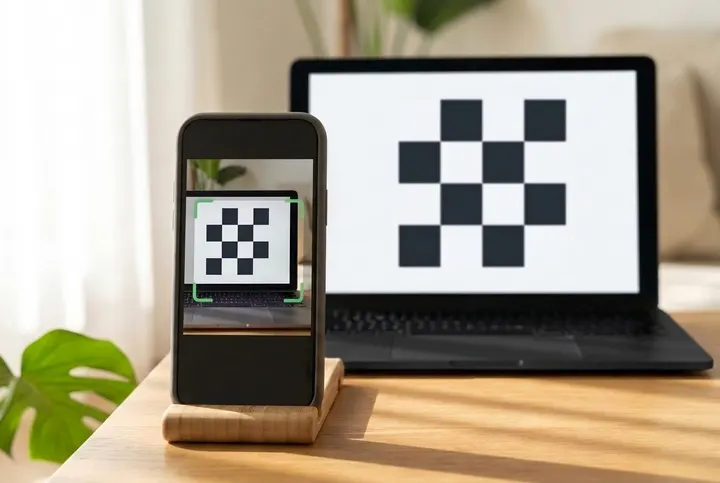
8. Using a computer?
On a computer, the page shows a square code. Point your phone camera at it, then tap the link that comes up on your phone.
-
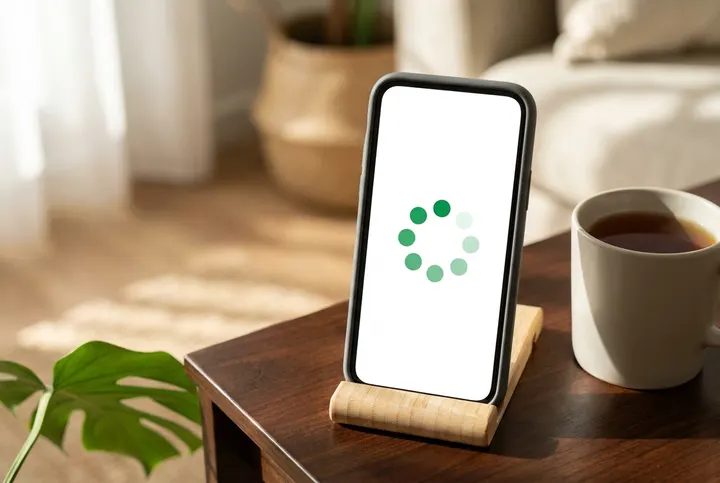
9. Keep this page open
On a phone the camera opens in a new tab: when it says your ID is submitted, come back to this tab. On a computer, leave this page open; it moves on by itself.
-
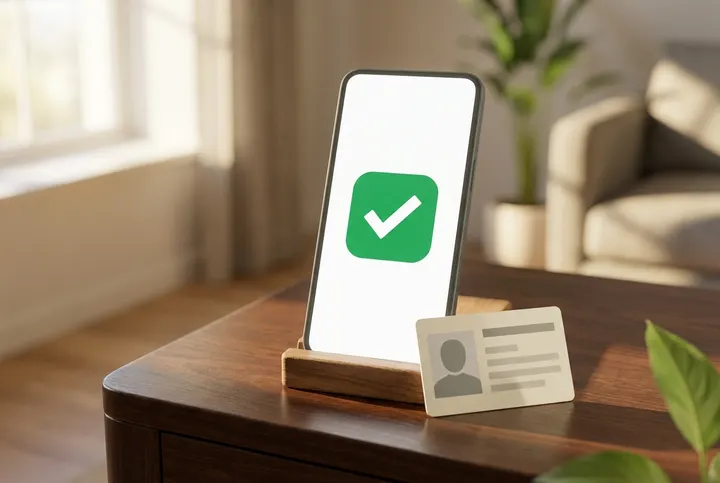
10. Your ID is in
When your phone says your ID has been submitted for review, we have your photos. It does not mean your application is approved.
Stuck on a step, or have a question? Email us at support@instant.credit.
Read‑only bank connection * Instant funding where offered, on approved applications only.
Frequently Asked Questions.
Straight answers about how we work, who qualifies, and what financing actually costs.
INSTANT.CREDIT is a Canadian business lender. We offer term loans, lines of credit and revenue-based financing, quickly and transparently.
Complete a short online application: confirm your mobile number, choose the amount, sign your agreement, connect your business bank account and take photos of your ID. We review every application, and you are funded once approved.
Amounts typically range from $10K to $3M, depending on the product and approval.
Common requirements include 6+ months in business, monthly revenue thresholds, and a Canadian business bank account (exact criteria depend on the product).
Funding is instant once approved, where available on approved applicants. Approval decisions are typically made within 24–72 hours.